Skip the copy and paste
Upload and receive Word files.
 DocuFixer
Fix errors or polish your English for clarity and flow. Get tracked changes and a clean copy, without copying and pasting.
Choose a Word document
.docx · Up to 10 MiBLoading the upload form…
No credit card needed
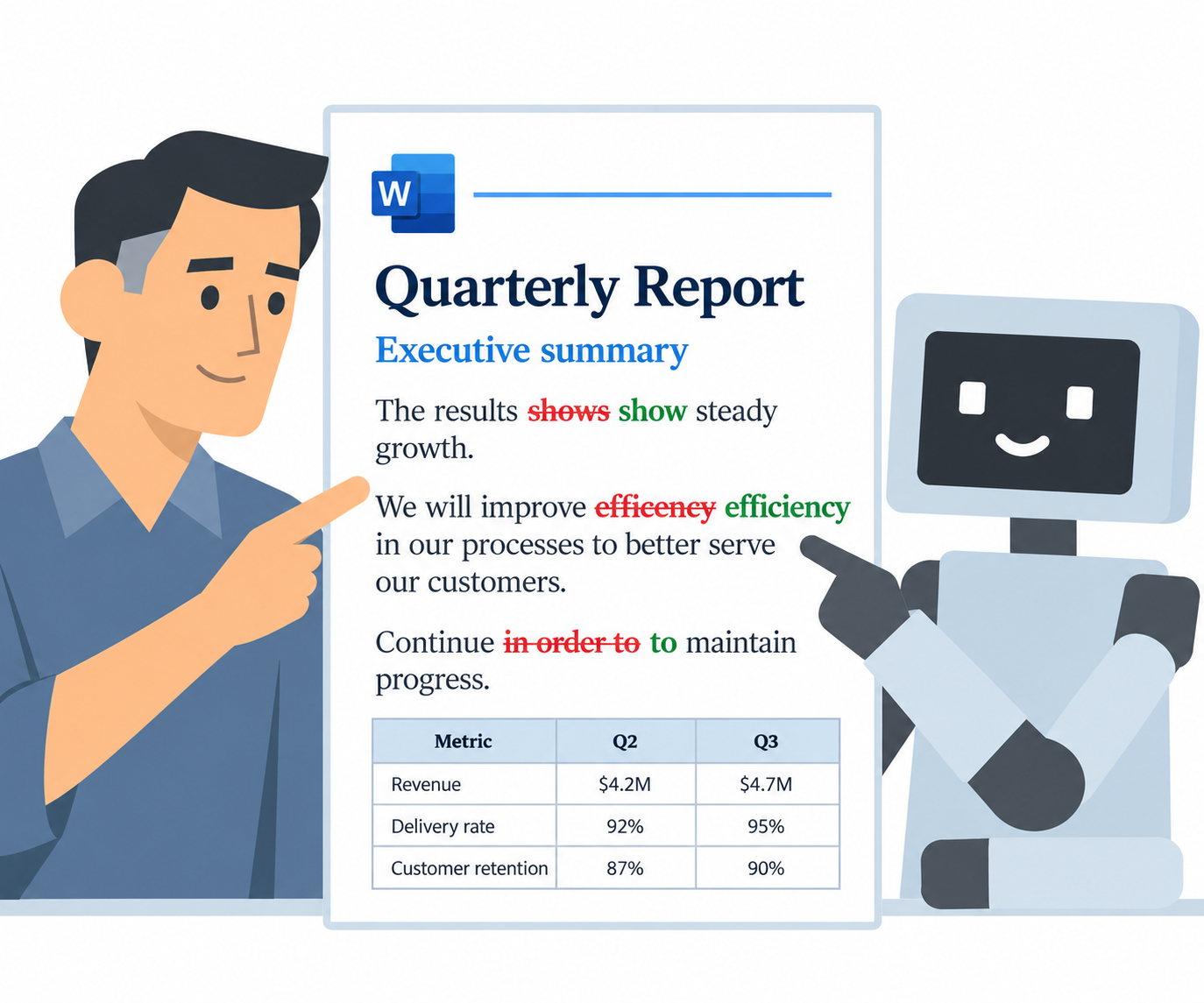
With each revision, you receive two Word files: one with tracked changes and one clean copy. See which words were added, removed, or replaced, and accept or reject suggestions in Word.
The results shows show steady growth. Revenue increased by 12% compared with the quarter before compared with the previous quarter. Improvements in efficency efficiency helped the team maintain momentum. We will continue to improve our processes in order to maintain to maintain this progress.
| Metric | Q2 | Q3 |
|---|---|---|
| Revenue | $4.2M | $4.7M |
| Delivery rate | 92% | 95% |
| Customer | 87% | 90% |
The team remain remains focused on reliable delivery. We will make improvements to improve customer support next quarter.
The results show steady growth. Revenue increased by 12% compared with the previous quarter. Improvements in efficiency helped the team maintain momentum. We will continue to improve our processes to maintain this progress.
| Metric | Q2 | Q3 |
|---|---|---|
| Revenue | $4.2M | $4.7M |
| Delivery rate | 92% | 95% |
| Customer retention | 87% | 90% |
The team remains focused on reliable delivery. We will improve customer support next quarter.
Work with the document you already have, inspect the edits, and decide which suggestions suit your writing.
Upload and receive Word files.
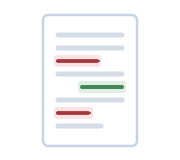
Compare original and revised wording.
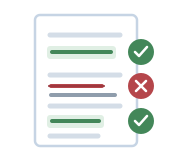
Accept or reject suggestions.
Upload your document, verify your email, and let the service process your edit. Download your results when they are ready.
Choose your file, language, and instructions.

Enter the code sent to your email.
Your document is proofread or edited according to your instructions.
Download both versions and review changes in Word.
Fix the errors or refine the wording in the documents that matter to you.
Check errors and refine clarity before sharing.
Check the language before you apply.
Add a proofreading pass and review suggestions with the author's voice in mind.
Every new account receives a signup credit bonus. Use it to try the service, then buy additional credits when you need more edits.
No subscription. No recurring charges.
New accounts receive 20 credits to get started.
No credit card needed
Rounded up per revision. Example:
2,400 words = 3 credits
Find out what to expect from your edit and how to access your results.
Use the instructions field to ask for spelling, grammar, and punctuation checks with minimal changes.
Yes. Add instructions asking for clearer phrasing or smoother flow. You can also specify the tone to preserve and terminology to leave unchanged.
Download the tracked-changes file and open it in Microsoft Word. You can compare the wording and accept or reject suggestions there. The clean copy contains the edited text without the markup.
Email verification gives you access to your private document library. No password is needed. Your original and results remain available when you return.
No. DocuFixer uses credits rather than a subscription. You choose when to buy more credits; there is no automatic renewal or recurring card charge. No credit card is needed to get started.
Failed processing consumes no credits. Your document page explains the error and whether you can try uploading the document again later.
Upload a .docx Word document up to 10 MiB. English editing supports American and British English. Handling of complex document layouts should be checked in the returned files.
Upload your document and tell us what you would like checked or improved.
Upload your documentNo credit card needed